Updating FEX

Updating FEX
- Connect the VR headset to a Wi-Fi network.
- Open the FLAIM Launcher, available updates will be listed on the right side of the screen.
- If an update is available, click on the update with the latest version (currently FEX 2026.1.3) in the list followed the Update button.
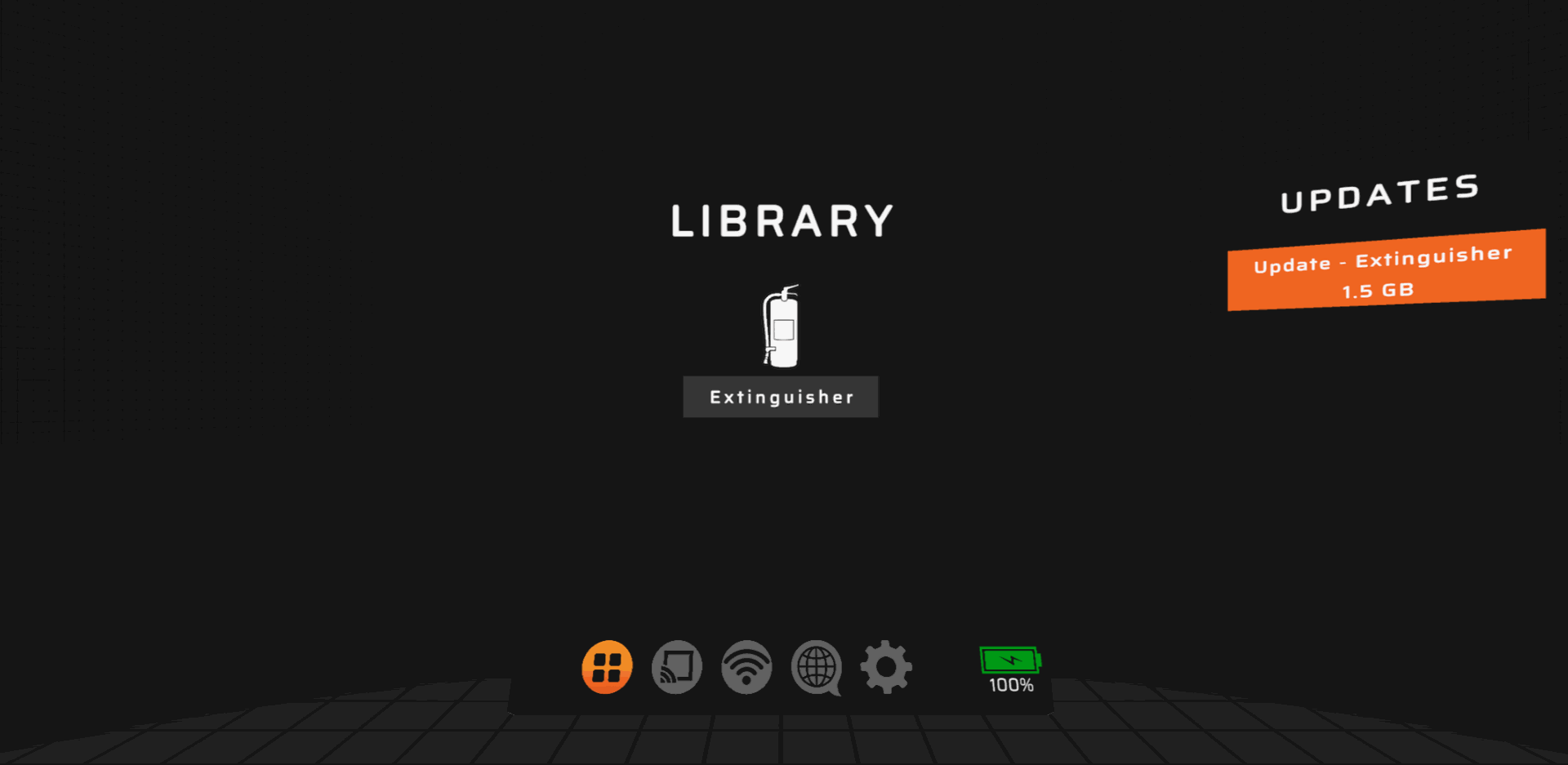
- If nothing appears, then your system is up to date.
- If an update is available, click on the update with the latest version (currently FEX 2026.1.3) in the list followed the Update button.
- Keep your device powered on and connected to Wi-Fi while the update is being installed.
- Once the update is complete, launch the latest version of FLAIM Extinguisher.
Updating firmware
- Connect the VR headset to a Wi-Fi network (see 📄 Connect to Wi-Fi).
- If the headset detects that a firmware update is available, the headset will automatically update on system boot.