Subscription FAQ's
How do I renew my subscription to the full FEX library?
To renew full access to the full FLAIM scenario library, please reach out to sales@flaimsystems.com to purchase a license key.
How do I check my subscription status?
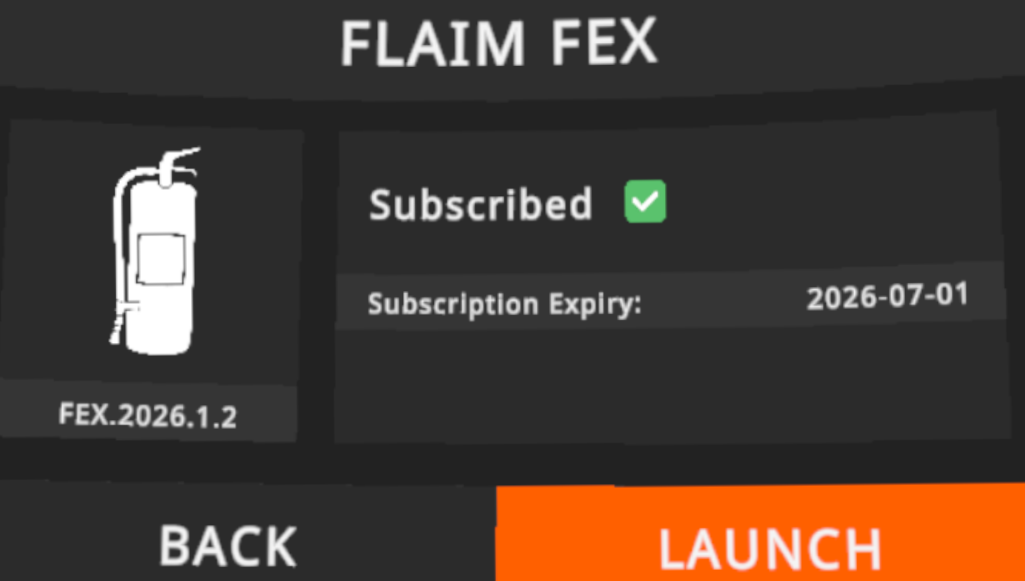
When you start your FEX system, you will be shown your subscription expiry date prior to the launching the extinguisher application. If you would like further information about your subscription status, please reach out to the support team by opening a ticket or emailing support@flaimsystems.com.
How does the 48 hour 'grace period' work?
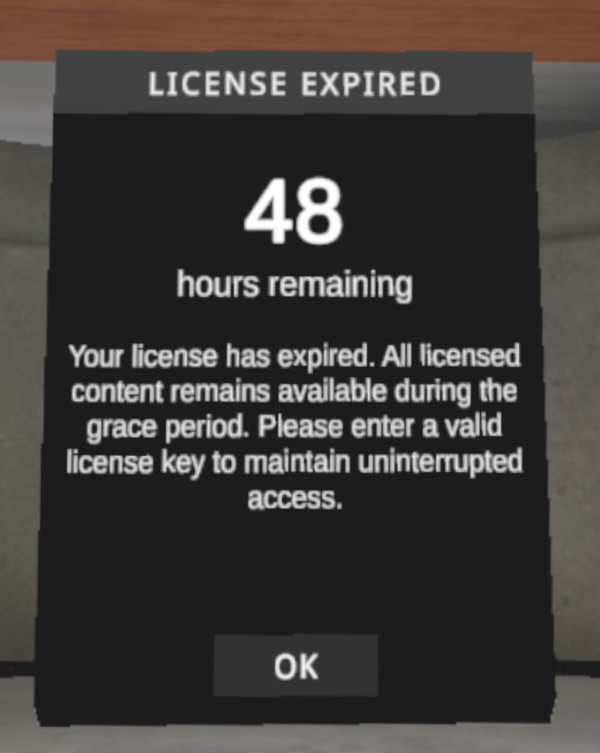
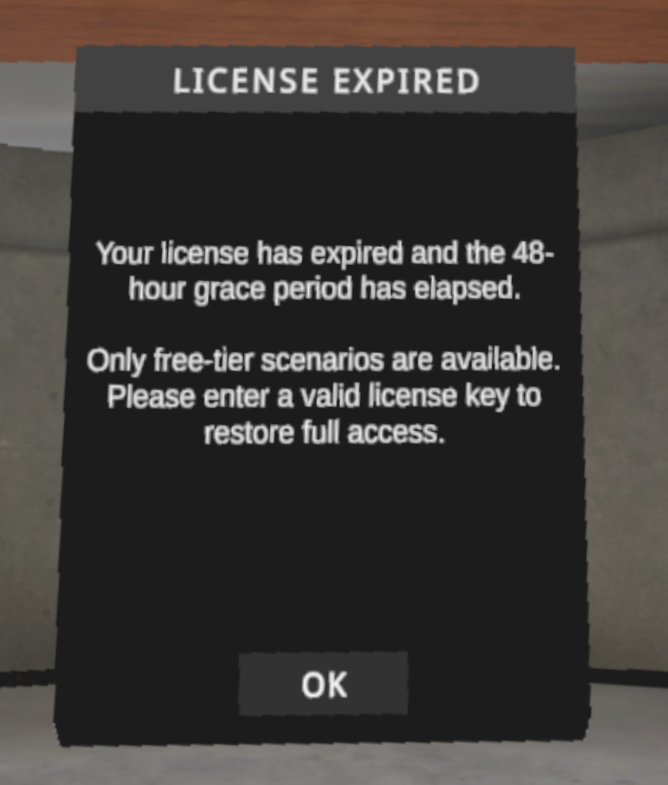
To avoid the surprise of an expired subscription just before your training session, we have implemented a 48-hour window for full access to the FEX library. This 48-hour window begins as soon as the FEX is launched at a point in time after your subscription has expired. Continued use after this grace period will apply the FREE tier of library access which can be used indefinitely. To renew your subscription, please reach out to sales@flaimsystems.com to purchase a license key.
Do I have to bring the FEX online every 90 days?
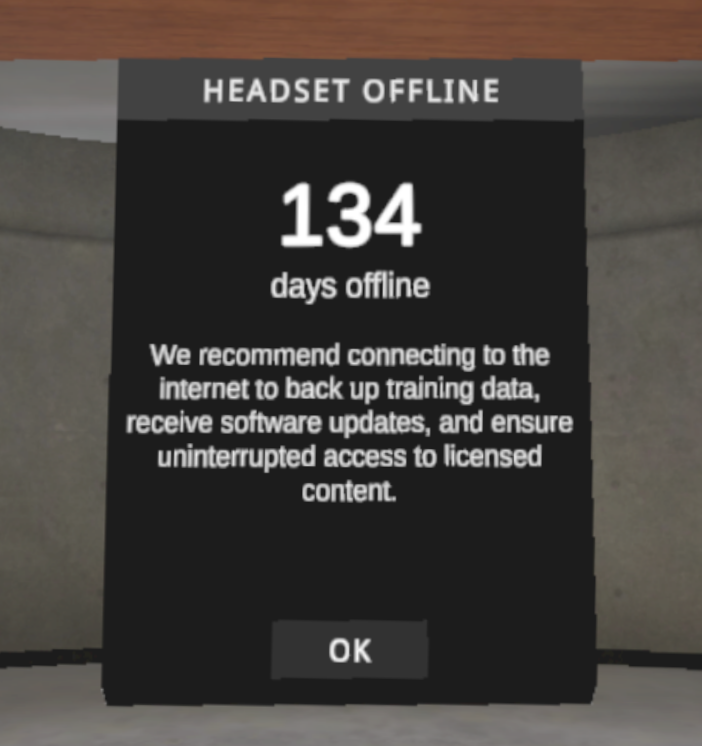
We no longer enforce the requirement to bring the FEX kit online on a regular basis. We strongly suggest the kit is brought online at least once every 90 days to check for software updates and ensure training data is backed-up to FLAIM Capture. You will receive a notification when launching the software after being offline for more than 90 days, continued use will be allowed as normal.
What is the FREE category?
The FREE scenario category is our complementary package of three scenarios for users who no longer have a valid subscription. These scenarios are:
- Office Bin Fire
- Tutorial
- Residential Pan Fire
This subscription tier will be automatically applied as soon as your grace period has elapsed. To renew full access to the full FLAIM scenario library, please reach out to sales@flaimsystems.com to purchase a license key.
How do I enter a new license key?
You can enter a valid license key at any time by:
- Launch FEX application from the FLAIM Launcher
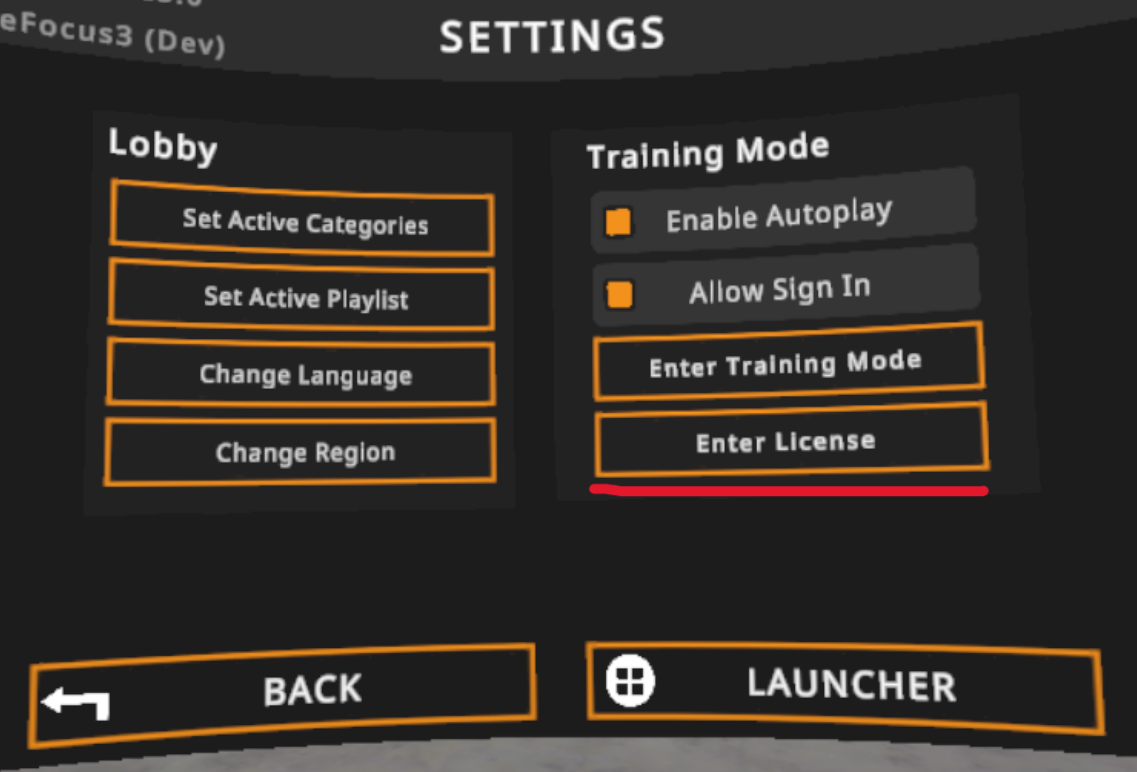
- Click on Settings on the top right of the Categories menu
- You will see a button labelled Enter License > Click this button > enter your valid license