Register a Student Account

Register a Student Account
- Open your organisation’s FLAIM Capture login Page.
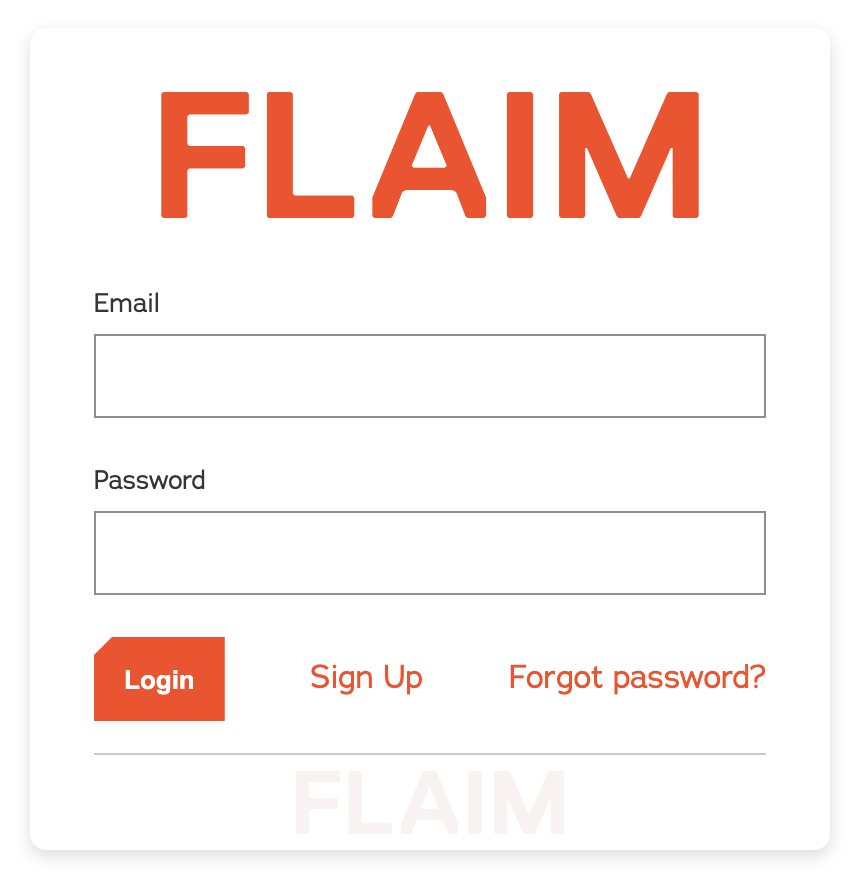
- Click on the Sign-Up link displayed on the bottom of the Login Page.
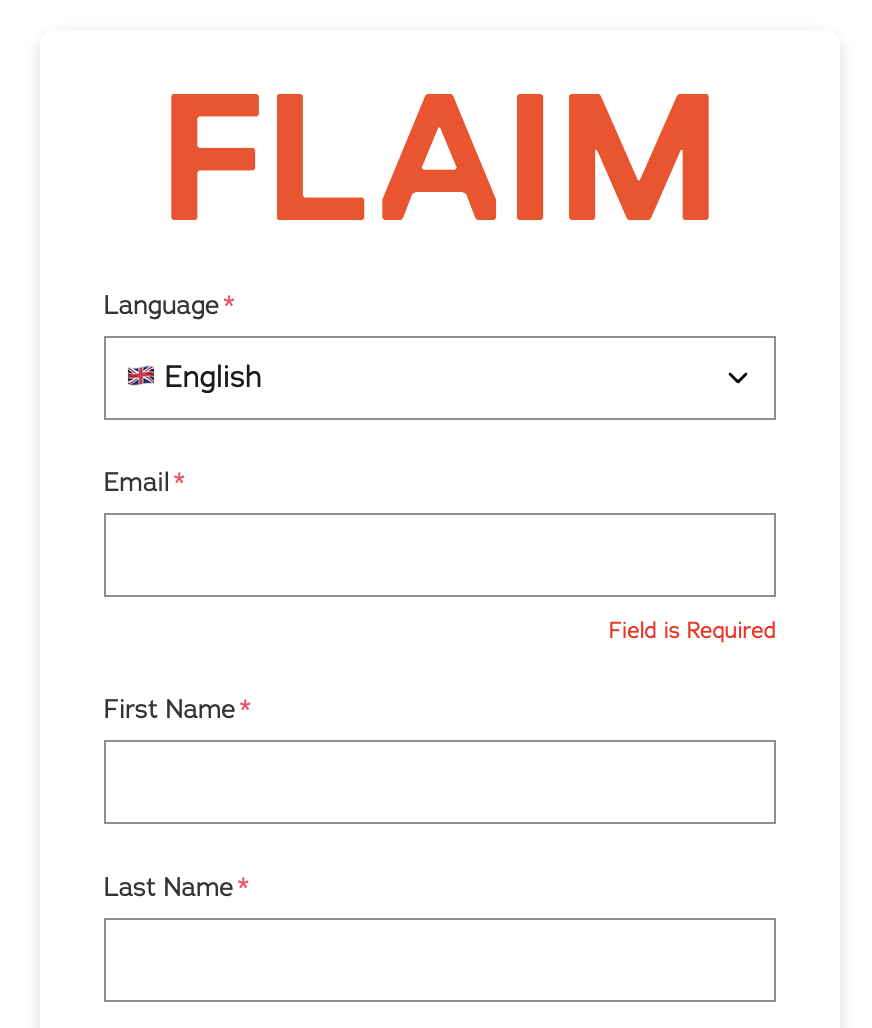
- Enter all the required details in each of the fields displayed on the Sign-Up Page. Most fields are mandatory.
- When you have entered all the required information for each of the fields, click on the Sign-Up button at the bottom of the page.
- A student account will now be created using the details provided.
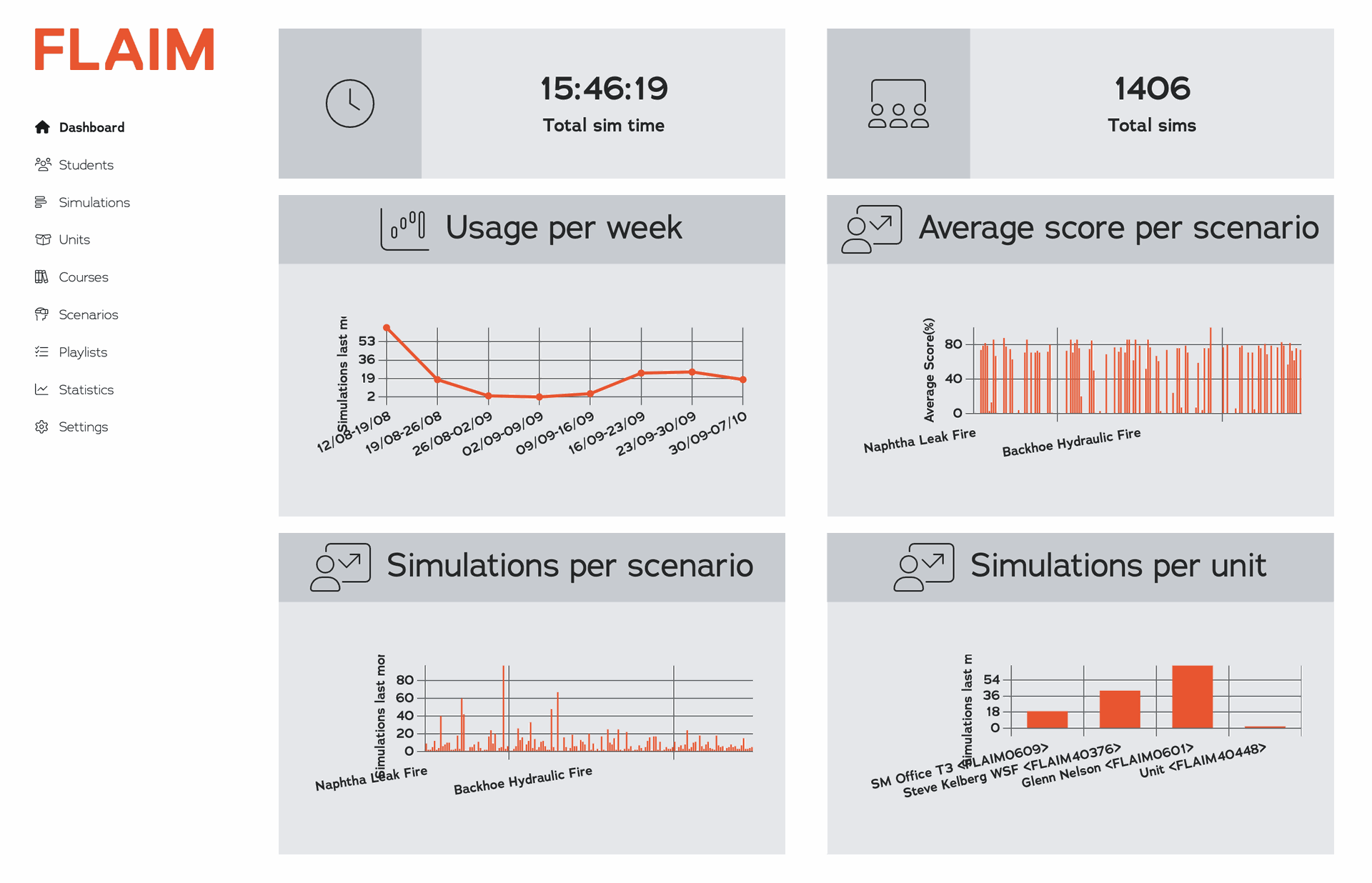
- The FLAIM Capture Dashboard page will now be displayed and a pop-up message confirming that the account has been created will be displayed in the top right of the page.
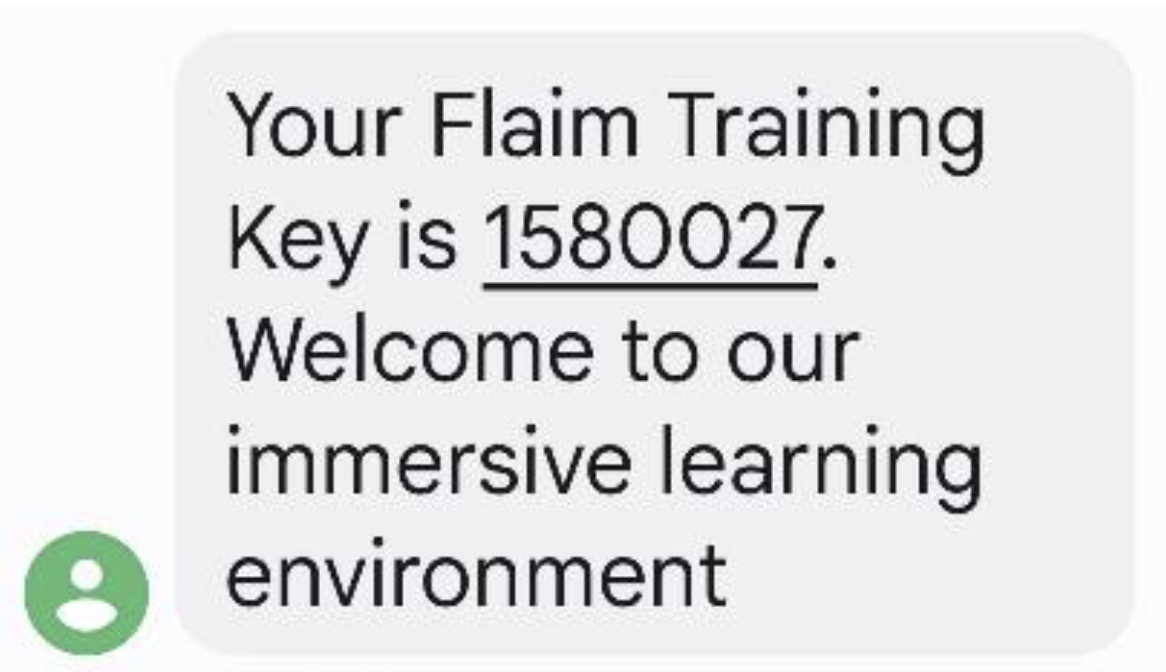
- When a new student account is created, an email will be automatically sent to the email address recorded on the Sign-Up page confirming that the account has been created. The email will include the student’s FLAIM Training Key.
- When a new student account is created, an SMS will also be automatically sent to the mobile phone number recorded on the Sign-Up page confirming that the account has been created. The message will include the student’s FLAIM Training Key.